
How AI Simplifies Label and Artwork Migration
Every labeling software project has a moment where the enthusiasm meets the archive. Someone opens the folder containing fifteen years of artwork – PDFs, InDesign files, scanned proofs, a spreadsheet that was supposed to be the master list – and the question becomes very real. How does all of that get into the new system?
For most vendors, the answer is people. A migration team, a long project plan, and months of copying content across by hand while your team keeps the current process running alongside it. That cost is why plenty of organizations stay on a system they've outgrown. The pain of switching looks worse than the pain of staying. AToM exists to change that math.
Why Migration is the Part Everyone Dreads
Manual onboarding is often slow and painful, but the real problem is what manual work does to accuracy.
Someone reads a value off a legacy label and types it into a new template. Someone interprets an inconsistent data field and makes a judgment call. Someone recreates a template by eye because the original design file is missing. Do that a few hundred times and you've introduced variation into a label library that's supposed to be your single source of truth – and you've done it right at the point where nobody is checking, because migration is treated as an IT task rather than a regulatory one.
It's worth being honest about where those inconsistencies come from in the first place. As Tear Hambrey, Solution Consultant at Kallik, puts it, a good starting point is to "look at the entire process overall, and look at the disconnected systems that are being used. And often companies will find that a lot of the errors are stemming from those disconnected systems."
Migration is the moment you either carry those disconnected systems forward or leave them behind.
What AToM Actually Does With Your Artwork
AToM (Assisted Tool of Migration) is the AI tool Kallik uses to bring your existing labels and artwork into Veraciti™. It doesn't simply copy files across, it reads them and does the work of an entire team with just one click.
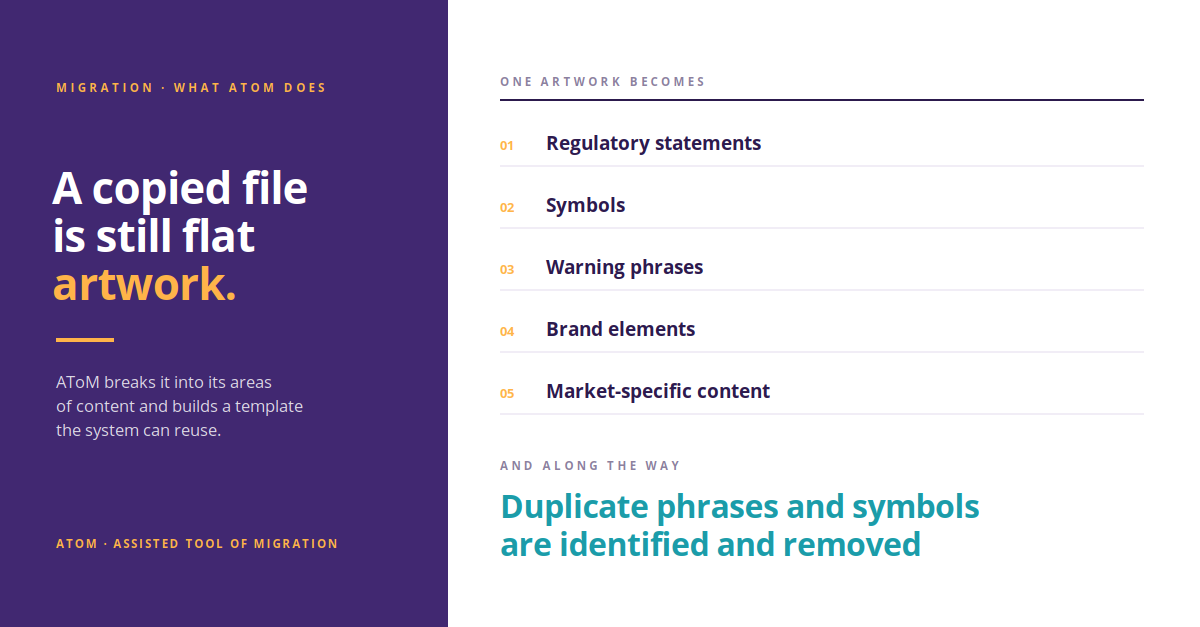
Ed Briggs, Product Requirements Analyst at Kallik, describes the process from the inside: "We'll take your existing artworks and labels and we will migrate them into the Veraciti system. One of our migration users will drop this file into AToM. And what AToM will do is it'll start breaking down the existing artwork into its areas of content, and it will create a template based on the artwork supplied."
That distinction matters. A copied file is still a flat piece of artwork. A structured template is a set of components – regulatory statements, symbols, warning phrases, brand elements, market-specific content – that the system can recognize, reuse, and control. AToM extracts the content, identifies and removes duplicate phrases and symbols along the way, and builds reusable templates with regulatory and brand logic already embedded.
You come out of migration with a clean, structured, deduplicated label library rather than a digital filing cabinet full of the same mess you had before. And the part customers tend to find most interesting is that AToM isn't static – every correction a migration user makes feeds back into the model.
"It has a machine learning process," Ed explains, "so the more artworks you feed into the system, all of the data that migration users are putting in will build a greater machine learning. So in the future, the more artworks dropped into the file, the greater accuracy AToM will have when migrating artworks and labels into the Veraciti system."
In practice that means the back end of a large migration runs faster and more accurately than the front end. For enterprises with sprawling portfolios across multiple regions and product families – exactly the organizations for whom manual migration is most punishing – that curve is the whole point.
What it Looks Like at Scale
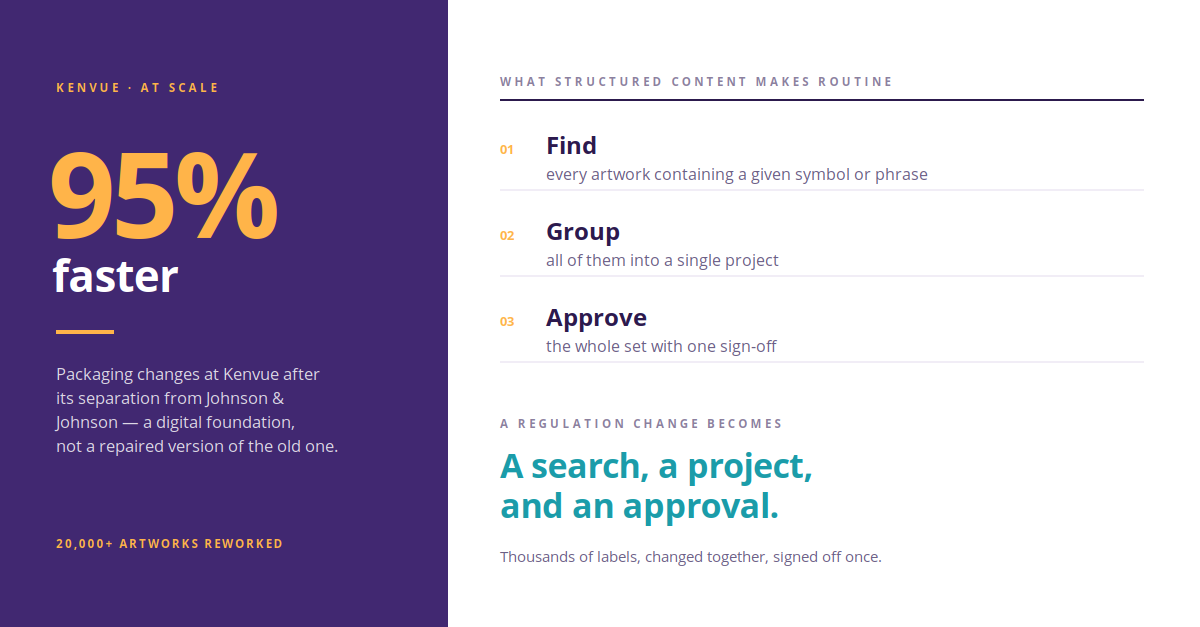
When Kenvue separated from Johnson & Johnson, it had to rework more than 20,000 artworks across a global brand portfolio. Working with Kallik and AToM, Kenvue removed the fragmentation across its label estate and cut its rework cycles, ending up with a digital foundation rather than a repaired version of the old one. Packaging changes now run 95% faster.
That number isn't really a migration statistic. It's what becomes possible once content is structured.
The Payoff Comes After Go-Live
Structured content is what turns a regulatory change from a project into a task. Once your labels are templates rather than files, Veraciti's Where Used feature lets you find every artwork containing a given symbol or phrase, pull them into a single project, update them together, and sign the whole set off at once. As Ed puts it, "this could be thousands of labels you could be changing for a regulation change with ease with a single sign-off, rather than having to go into each of these and manually adjusting them."
That capability only exists because AToM did the structural work up front. Migrate badly and every future regulation change is a manual sweep. Migrate properly and it's a search, a project, and an approval.
What This Actually Buys You
Shorter onboarding, so your investment starts returning sooner. Fewer errors introduced at the exact moment nobody is watching for them. A deduplicated content library instead of an inherited backlog. And a label estate that's ready for whatever the next regulation asks of it, rather than one that needs rebuilding first.
If the size of your archive is the reason you haven't moved yet, that's the specific problem AToM was built to solve. Book a demo and we'll show you what AToM does with your own artwork. Speak to our labeling and artwork experts by filling in a form here, or book a demo here.
Read our free guide on getting AI-ready
FAQs about label artwork migration
What is AToM?
AToM, or Assisted Tool of Migration, is the AI tool Kallik uses to bring existing labels and artwork into the Veraciti™ platform. Rather than copying files across, it reads each artwork, breaks it down into its areas of content, and builds a structured, reusable template from what it finds — identifying and removing duplicate phrases and symbols along the way.
Why is manual label artwork migration a compliance risk?
Manual migration introduces variation at the exact point where nobody is checking for it. Values get retyped from legacy labels, inconsistent data fields get resolved by judgment call, and missing design files get recreated by eye. Repeated across hundreds of artworks, this seeds inconsistency into a library that is supposed to serve as a single source of truth — and because migration is usually treated as an IT project rather than a regulatory one, those errors often go unreviewed.
How does AToM turn existing artwork into reusable templates?
A migration user drops the existing artwork file into AToM, which breaks it down into its areas of content and creates a template based on the artwork supplied. The distinction matters: a copied file remains a flat piece of artwork, while a structured template is a set of recognized components — regulatory statements, symbols, warning phrases, brand elements, and market-specific content — that the system can reuse and control.
Does AToM become more accurate over time?
Yes. AToM uses a machine learning process, so every correction a migration user makes feeds back into the model. In practice this means the later stages of a large migration run faster and more accurately than the early ones — which matters most for enterprises with sprawling portfolios across multiple regions and product families.
Can AToM handle large label portfolios?
Yes. When Kenvue separated from Johnson & Johnson, it had to rework more than 20,000 artworks across a global brand portfolio. Working with Kallik and AToM, Kenvue removed the fragmentation across its label estate and cut its rework cycles, ending up with a digital foundation rather than a repaired version of the old one. Packaging changes now run 95% faster.
What is the Where Used feature in Veraciti?
Where Used identifies every artwork containing a given symbol or phrase, so a single regulatory change can be applied across all affected labels at once rather than label by label. Affected artworks are pulled into one project, updated together, and signed off in a single approval. The feature depends on content having been structured during migration, because flat artwork files cannot be queried this way.